

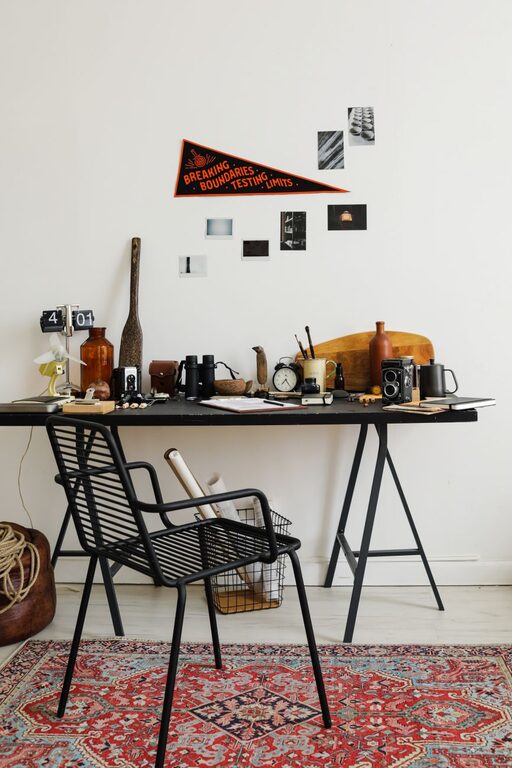
Refreshing your workspace doesn’t have to be a long, daunting task. Sometimes, a quick ten-minute reset is all you need to feel rejuvenated and ready to tackle the day with renewed focus. Whether you work from home or at an office, a clutter-free and inviting space can help improve productivity and mood. Here’s a step-by-step guide to refreshing your workspace in just ten minutes.
Why Refresh Your Workspace?
A cluttered or tired workspace can affect your concentration and energy levels. Spending just a few minutes to tidy up, reorganize, and add a small touch of personal comfort can make a big difference. It helps you:
– Reduce distractions
– Improve focus and efficiency
– Create a more enjoyable environment
– Feel motivated and refreshed
What You’ll Need
Before you start, gather a few basic items to speed up the process:
– Trash bag or bin
– Cleaning wipes or cloth
– Small container or organizer
– Any office supplies you want to organize
– A plant or small decorative item (optional)
Step 1: Clear the Surface (3 minutes)
Start by removing everything from your desk or main workspace surface.
– Quickly sort through papers: Recycle what you don’t need, file important documents, and stack anything you’re working on neatly.
– Put away items that don’t belong on your desk.
– Identify any spills or dust and wipe the surface clean with a cloth or cleaning wipe.
Clearing the surface instantly creates more space and gives your workspace a fresh start.
Step 2: Organize Essentials (3 minutes)
Next, focus on organizing the items you use every day.
– Group similar items like pens, notebooks, or chargers together.
– Use a small container, tray, or desk organizer to keep them tidy.
– Arrange your keyboard, mouse, and monitor neatly to ensure ergonomic comfort and accessibility.
Keeping essentials organized helps your workflow and reduces time spent searching for items.
Step 3: Add a Personal Touch (2 minutes)
Personalizing your space can make it more inviting and motivating.
– Add a small plant or succulent to bring some life and greenery.
– Place a calming photo or artwork where it won’t clutter your desk but is visible.
– Use a scented candle or essential oil diffuser if allowed and appropriate, to create a pleasant atmosphere.
These little touches can improve your mood and make your workspace feel uniquely yours.
Step 4: Final Quick Check (2 minutes)
Wrap up by doing a quick review of your refreshed workspace.
– Adjust your chair and screen height for comfort.
– Make sure cables and cords are neatly arranged or tucked away.
– Set up a to-do list or planner where you can see it clearly to focus on your next tasks.
A final tidy-up ensures your workspace is not only cleaner but optimized for productivity.
Bonus Tips for Maintaining a Fresh Workspace
– Spend 5 minutes daily tidying up to prevent clutter buildup.
– Declutter your digital workspace by organizing files and deleting unused documents regularly.
– Use natural light where possible to boost energy and mood.
– Rotate decorative items or plants to keep your space feeling fresh and interesting.
Conclusion
Refreshing your workspace doesn’t require hours—it can be done in just ten minutes with a bit of focus and preparation. By clearing clutter, organizing essentials, adding personal touches, and making ergonomic adjustments, you create an environment that supports your best work. Try this quick refresh regularly to maintain a clean, welcoming workspace that inspires productivity every day.